Blog
AI Electronic Music Generator: Create Synthwave, Techno, and Ambient Tracks
Learn how to create AI electronic music: synthwave, techno, and ambient. Get a prompt formula, style-by-style examples, a draft-to-finished workflow, and commercial-use tips.
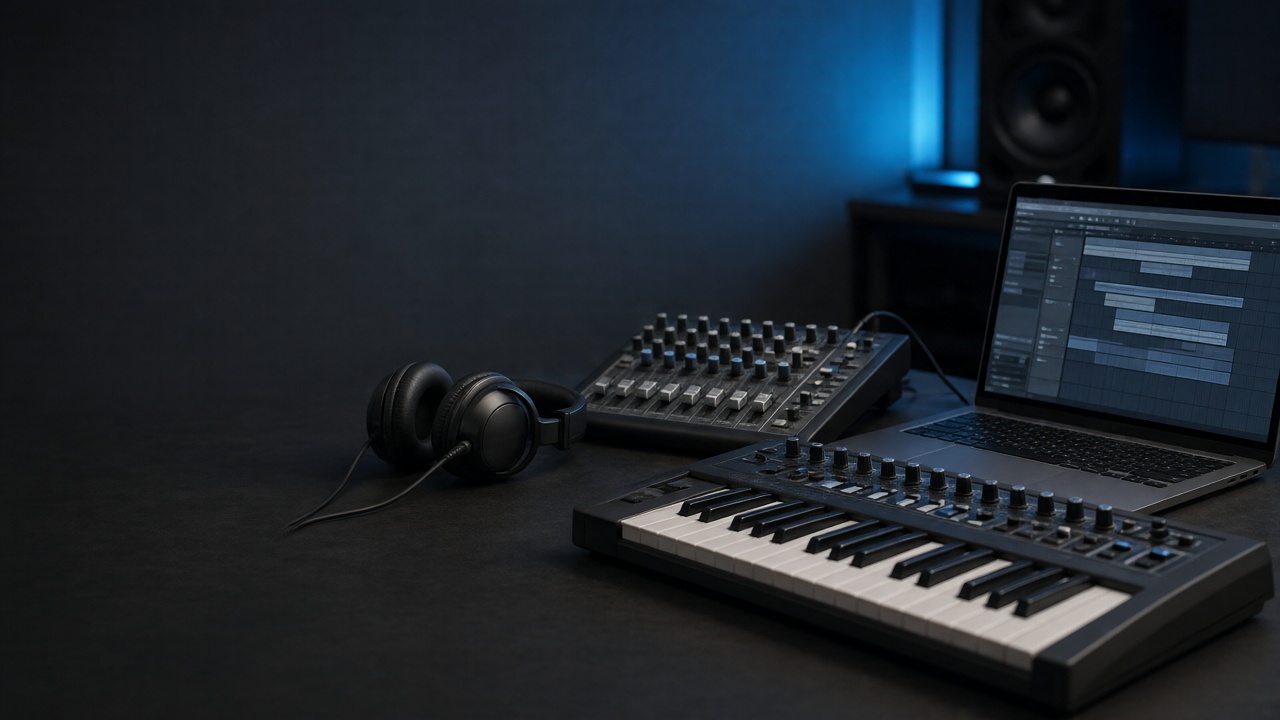
An AI electronic music generator is a tool that uses machine learning to create electronic tracks from prompts describing genre, mood, tempo, instruments, and structure. It connects music creation with practical needs such as faster content production, cleaner demos, copyright checks, and monetization planning. This article explains how the technology shapes synthwave, techno, and ambient music, then shows how to write better prompts, edit a draft, and review its license before publishing. If you make electronic tracks for videos, releases, or client work, this guide walks through the styles, prompts, and workflow to get a usable result.
What Is an AI Electronic Music Generator?
An AI electronic music generator creates music from a text description, a set of controls, or both. Instead of placing individual notes into a piano roll, you might describe a 112 BPM synthwave track with pulsing bass, gated drums, a cinematic intro, and a restrained chorus. The system then predicts a musical arrangement that matches those instructions as closely as its model and interface allow.
How Does AI Generate Electronic Music?
The model does not interpret a prompt like a human producer listening for intent. It maps words and musical concepts to patterns learned from training material, including rhythmic density, chord movement, melodic shape, timbre, and arrangement. A prompt that names a genre, BPM range, drum pattern, sound palette, and energy curve gives the generator more useful constraints than a short request such as "make electronic music."
Results can include a four-on-the-floor kick, a syncopated bass line, layered synthesizers, evolving pads, vocal sections, or transitions between sections. The relationship between the words and the audio is probabilistic, so the same prompt can produce different results. That variation is useful for ideation, but it also means that a good draft may need editing before it fits a release or video.
What Can an AI Electronic Generator Produce?
An AI electronic generator can produce instrumental tracks, beat sketches, short loops, full arrangements, background music, and sound-design-inspired textures. Some tools also create complete songs with vocals, while others focus on music without a vocal performance. Ailume's AI music generator is a practical option for testing instrumental electronic ideas and developing tracks that can later be arranged or mixed further.
How Is It Different from Traditional Production?
Traditional production gives you detailed control over MIDI, synthesizer parameters, drum samples, automation, recording, and every mix decision. AI generation is faster at producing a complete musical sketch, but it may offer less control over an individual hi-hat, chord voicing, or transition. A useful workflow treats AI as an electronic beat maker and arrangement assistant, followed by focused human editing in a DAW or music production tool.
Who Should Use an AI Electronic Music Generator?
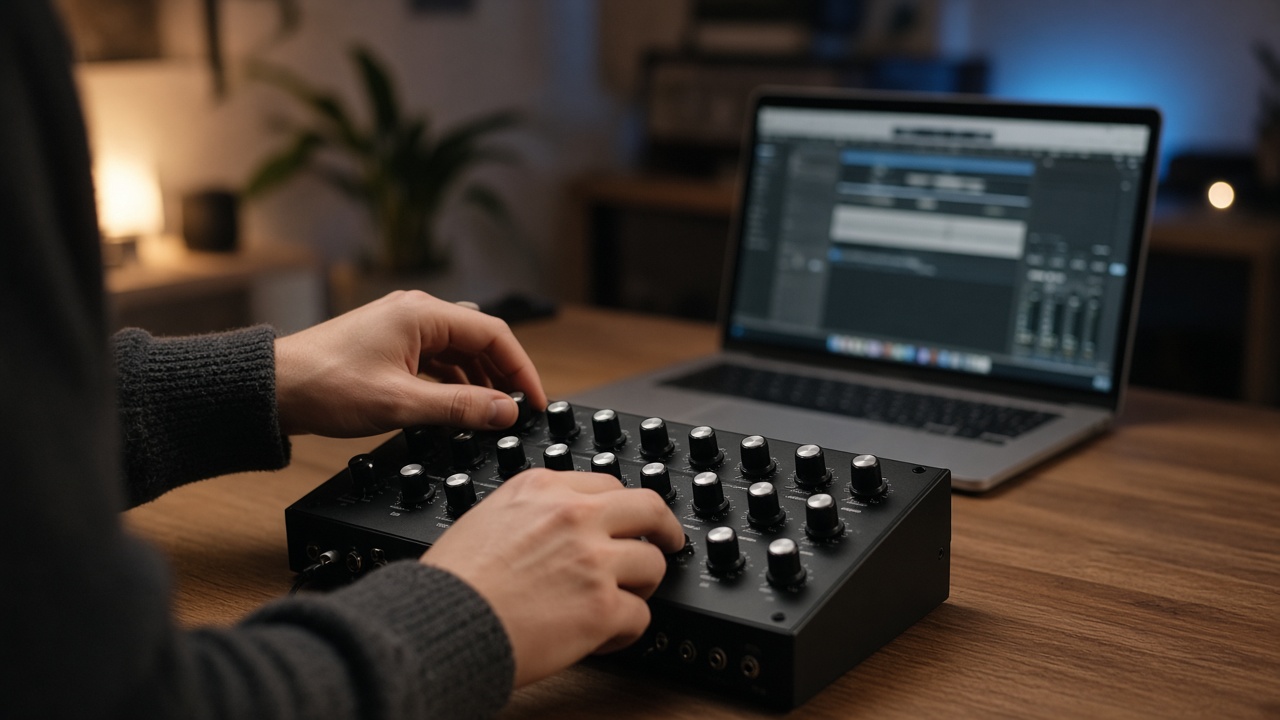
An AI electronic music generator suits creators who need a usable musical starting point quickly, particularly when they know the mood and function of a track but do not want to build every sound from scratch.
For Video Creators and Podcasters
- Video makers: Request a defined duration, energy level, and ending so the music supports a product demo, travel edit, game trailer, or short-form video.
- Podcasters: Ask for a low-density arrangement with limited bass movement, gentle transitions, and space for speech. A loopable ambient electronic bed is usually more useful than a track with frequent drops.
- Social teams: Generate short motifs for intros, transitions, explainers, and recurring brand content, then keep a consistent tempo and sound palette across episodes.
For Indie Musicians and Songwriters
Independent artists can use AI music creation to test a direction before investing time in detailed sound design. A songwriter might generate three versions of a dark techno chorus, compare vocal and instrumental approaches, and use the strongest rhythmic idea as a demo. Custom lyrics can be drafted separately with Ailume's AI lyrics generator before adding a vocal concept to a full song.
For Producers and Sound Designers
Producers can use generated material as a reference for groove, texture, and arrangement. A sound designer may be more interested in the movement of a granular pad or the tension of a percussion pattern than in using the rendered audio unchanged. This approach keeps the producer's ear and editing decisions at the center while reducing the time spent searching for a starting idea. For production-grade releases, treat the AI output as a reference and rebuild key parts in your DAW where you control every envelope, effect, and automation; export stems when you plan a club mix, deeper sound design, or a live vocal.
For projects that need royalty-free electronic music, the tool is most useful when the brief is specific. State where the track will play, how prominent it should be, and whether it must loop cleanly. Those details affect the output more than adding a long list of unrelated adjectives.
Which Electronic Styles Can AI Generate Best?
If you are not sure which style to pick for a project, this section helps you match synthwave, techno, ambient, or general beats to a specific use case. AI handles synthwave, techno, ambient electronic, and general electronic beats differently because each style has a distinct balance of repetition, texture, rhythm, and harmonic motion. The table below provides a practical starting point for prompts and use cases.
| Style | Typical BPM | Defining elements | Useful prompt terms | Suitable content |
|---|---|---|---|---|
| Synthwave | 80-118 | Analog-style synths, pulsing bass, gated drums, cinematic builds | Retro-futuristic, neon, arpeggiated, 1980s-inspired, wide pads | Game trailers, title sequences, fashion edits |
| Techno | 120-135 | Four-on-the-floor kick, driving percussion, rolling bass, hypnotic loops | Driving, hypnotic, warehouse, filtered, peak-time | Product reveals, high-energy edits, club-style content |
| Ambient electronic | 60-90 | Evolving pads, slow chord movement, soft sub-bass, spacious reverb | Spacious, evolving, atmospheric, minimal, voice-friendly | Focus and study, podcasts, meditation, narration beds |
| General electronic beats | 90-128 | Programmed drums, synth leads, flexible arrangement, adaptable energy | Upbeat, clean, modern, punchy, loopable | Short-form video, brand intros, social content |
AI Synthwave for Retro-Futuristic Tracks
AI synthwave usually responds well to concrete references to timbre and arrangement. Ask for analog-style polyphonic synthesizers, an eighth-note bass pulse, gated snare reverb, bright arpeggios, and a wide pad that opens during the chorus. Sound-design cues help too: try naming a saw-wave lead, tape-style saturation, or a subtle chorus effect. A "neon night drive" mood can help establish atmosphere, but it should follow the musical details rather than replace them.
For a stronger result, specify a restrained intro, a rising pre-drop section, and a clear melodic hook. The phrase "1980s-inspired" describes an era and production character without asking for a living artist's exact style. Review the output for overly similar melodic phrases and replace anything that sounds too close to a known recording.
AI Techno Beats for High-Energy Content
AI techno beats need firm rhythmic instructions. State that the kick should follow a four-on-the-floor pattern, then describe the percussion as driving, syncopated, or gradually layered. A request for controlled variation matters because a completely static loop can become tiring, while too much variation weakens the club-oriented pulse.
For a product reveal, try a 128 BPM track with a sparse opening, filtered percussion, a tension-building breakdown, and a drop that adds bass and metallic hits. For a podcast intro, reduce the energy and request a short ending instead of a long DJ-style arrangement.
AI Ambient Electronic for Focus and Atmosphere
AI ambient electronic music works best when the prompt limits density. Describe slow chord movement, evolving pads, soft sub-bass, restrained percussion, spacious reverb, and gradual development. Ask for a smooth loop or an unobtrusive ending when the track will sit under narration or study content.
Ambient output can sound repetitive because its appeal depends on small changes over time. Ask for two or three related textures, gentle filter movement, and a subtle harmonic change halfway through the track. For speech-friendly beds, it also helps to request no sharp transients and no bright white-noise risers so the music stays under narration. Manual fades and carefully chosen loop points can make a simple generated bed much easier to use.
How Do You Prompt an AI for Better Electronic Music?
A reliable electronic music prompt identifies the style, mood, tempo, sound sources, rhythmic feel, arrangement, duration, and intended use. Put the most important musical information first, then revise one variable at a time so you can tell which change affected the result.
A practical formula to remember is: style + mood + tempo + rhythm + sound sources + structure + duration + intended use + constraints (for example, "no vocals"). The rest of this section expands on each part.
The difference shows up fast in practice:
- Weak prompt: "Make cool techno music."
- Better prompt: "126 BPM melodic techno, four-on-the-floor kick, rolling bass, filtered synth sequence, 16-bar breakdown, controlled variation, no vocals, clean two-minute arrangement."
Start with Genre, Mood, and Intended Use
- Name the genre: Use terms such as synthwave, minimal techno, melodic techno, ambient electronic, or downtempo electronica.
- Set the mood: Choose words such as tense, nocturnal, focused, spacious, playful, or cinematic.
- State the function: Say that the music is for a 30-second product video, a 20-minute podcast bed, a game menu, or a standalone listening track.
Intended use helps establish the right density. A track under dialogue needs fewer sudden changes and less crowded midrange than a standalone club track. This is also where you choose between instrumental output and a complete song with vocals.
Specify BPM, Instruments, and Rhythmic Feel
Use a precise tempo or a narrow range, such as 118-122 BPM, instead of simply saying "fast." Mention the main drum pattern, bass behavior, and lead sound: four-on-the-floor kick, offbeat open hi-hat, warm analog bass, minor-key arpeggio, or granular pad. Terms such as "synthetic sound design" are more useful when paired with a sound source and a role in the arrangement.
Describe Arrangement and Energy Changes
Give the track a map. A prompt can request an eight-bar intro, gradual percussion layers, a 16-bar main section, a short breakdown, a final return, and a clean ending. For background music, ask for a seamless loop and avoid a dramatic final crash that will interrupt speech or a scene change.
Example Prompts for Three Electronic Styles
AI synthwave: "Instrumental synthwave at 108 BPM for a retro-futuristic game trailer, pulsing analog bass, gated electronic drums, bright arpeggiated lead, wide chorus pads, tense eight-bar intro, cinematic rise, memorable hook, controlled variation, clean 60-second ending."
AI techno beats: "Driving melodic techno at 126 BPM for a product reveal, solid four-on-the-floor kick, tight percussion, dark rolling bass, filtered synth sequence, gradual tension, 16-bar breakdown, energetic drop, no vocals, polished two-minute arrangement."
AI ambient electronic: "Spacious ambient electronic music at 82 BPM for a podcast about design, soft evolving pads, subtle piano fragments, light percussion, warm sub-bass, minimal harmonic movement, no lead vocal, voice-friendly dynamics, seamless three-minute loop."
To generate your own AI electronic music tracks, begin with one of these prompts and change only the tempo, arrangement, or lead instrument between attempts. If the output is generic, add a rhythmic pattern and a structural change. If it is too busy, remove instruments and request lower energy rather than adding more mood words.
What Can You Use AI-Generated Electronic Music For?
AI-generated electronic music can support content, branding, demos, and early songwriting, provided the track's length, energy, and license match the project.
- Background music for videos and podcasts: Request a loopable arrangement with moderate loudness, limited high-frequency percussion, and no dominant lead during spoken sections. Ailume's AI background music tool is suited to creators who need electronic beds for videos, podcasts, games, and social posts.
- Brand intros and product demos: Generate a two- to ten-second motif or a short musical logo, then keep its key sound consistent across versions. A simple arpeggio and a controlled impact often survive compression better than a dense full mix.
- Social content: Match the arrangement to the edit. A 15-second clip may need its hook in the first two seconds, while a longer explainer can use a gradual introduction.
- Demos and creative references: Artists can compare minor and major harmony, vocal and instrumental directions, or different drum feels before recording a polished version.
For example, a YouTuber producing a three-minute review might request an ambient electronic loop at 90 BPM with a low-energy intro and no major drop. That brief is more likely to leave room for speech than a generic request for "epic electronic background music." As an illustrative workflow, a creator could generate five 90 BPM variations, keep the one with the cleanest loop point, trim a distracting mid-section in a DAW, and add a short fade so the bed sits under narration without a jarring ending.
How Do You Turn an AI Draft into a Finished Track?
Turning an AI draft into a finished track requires selection, arrangement edits, mix checks, rights review, and a deliberate export. Generation supplies material; the final result depends on how well that material fits the timeline and listening context.
| Stage | Action | Decision to make |
|---|---|---|
| 1. Define the brief | Set purpose, duration, mood, BPM, and vocal choice. | What must the track do in the project? |
| 2. Generate variations | Change one or two prompt variables across several attempts. | Which direction has the strongest hook or groove? |
| 3. Select a draft | Listen for continuity, artifacts, and useful sections. | Does the musical idea survive repeated listening? |
| 4. Edit the arrangement | Trim weak passages, reorder sections, and create transitions. | Does the structure match the content timeline? |
| 5. Balance the mix | Check kick, bass, lead, vocals, reverb, and headroom. | Can every important part be heard without masking? |
| 6. Review rights | Read the plan terms and document the generation. | Is the intended commercial use permitted? |
| 7. Export | Render the approved master and keep the project files. | Does the format suit the delivery platform? |
Generate Multiple Variations
Make several versions at nearby tempos and energy levels. One draft may have the best bass groove, while another has the cleanest ending. Save the prompt with each file so you can reproduce the direction or explain how the final version was made.
Edit the Arrangement and Build a Loop
Remove sections with unstable harmony, clipped transients, or distracting changes. For a loop, cut at a musically compatible bar line, match the first and last chord, and use short fades to prevent clicks. For a complete track, arrange the strongest material into an intro, development, peak, and ending rather than repeating the full generation unchanged. For multi-track mixing and mastering, Ailume's AI Music Producer with the FUZZ model gives more control than a single-pass generator.
Balance the Mix and Prepare the Export
Check whether the kick and bass compete, whether the lead masks vocals, and whether reverb makes the mix unclear. Listen on headphones and ordinary speakers, check for glitches at section boundaries, and leave enough headroom for the delivery specification. WAV is useful for continued production; a high-quality MP3 is convenient for previews and many content workflows.
Review Rights Before Publishing
Confirm the platform plan, commercial permission, attribution rules, distribution limits, and any restrictions on Content ID or resale. Keep the prompt, generation date, source information, license record, edits, and final export together. This documentation will not create copyright by itself, but it gives you a clear record if a platform or client asks about the track.
What Should You Check Before Using AI Electronic Music Commercially?
This section is general information, not legal advice. Before commercial publication, check the generator's current license terms, the plan used to create the audio, and the copyright rules that apply where you work. "Royalty-free" generally describes payment obligations under a license; it does not automatically grant exclusive ownership or guarantee copyright protection.
Commercial-Use Permissions
- Confirm that the plan permits monetized videos, client work, advertising, streaming, or game distribution as applicable.
- Check whether free outputs have different rights from paid-plan outputs.
- Review attribution, download, expiration, and Content ID provisions.
- Check whether generated audio may be sold as a standalone music file or sample pack.
- Read the terms again before a major release because platform policies can change.
Copyright and Human Creative Contribution
According to the U.S. Copyright Office's guidance on copyright and artificial intelligence, including its Part 2 report on copyrightability, material generated without sufficient human creative control may not receive the same copyright protection as human-authored material. The legal result can differ by jurisdiction and by the amount of human selection, arrangement, lyrics, recording, editing, and production involved.
That distinction matters for an artist seeking exclusive rights, not only for a creator trying to avoid royalties. A generated beat may be licensed for a video while still being difficult to claim as an exclusively authored composition. Do not describe a track as fully owned or copyright-protected without checking the applicable law and the platform's terms. For a deeper breakdown, see our AI music copyright guide.
A Safer Publishing Checklist
- Save the exact prompt and generation date.
- Record the account plan and applicable license version.
- Keep source notes for any imported samples, vocals, or loops.
- Document your edits, arrangement choices, lyrics, recordings, and mix work.
- Check the destination platform's monetization and Content ID rules.
- Keep the original render, edited project, and final master in separate files.
AI Electronic Music Generator FAQ
Can an AI electronic music generator create full songs?
Yes, some generators can create full songs with an intro, verses, chorus sections, instrumental passages, and vocals. Other modes focus on instrumental music, beats, or short loops. A full song is not automatically a finished release: listen for lyric clarity, vocal artifacts, repetitive structure, and mix balance. Use an instrumental generator for background or production work, and a song generator when vocals and a complete arrangement are part of the brief.
Can AI generate convincing synthwave and techno beats?
It can produce convincing starting points, especially when the prompt names tempo, drum pattern, bass behavior, synth type, and structure. "Techno" alone may return a broad electronic track, while "126 BPM, four-on-the-floor kick, rolling bass, sparse percussion, 16-bar breakdown, controlled variation" gives the model a clearer target. Synthwave benefits from era, timbre, and arrangement cues such as gated drums, analog pads, and arpeggiated leads.
Is AI-generated electronic music royalty-free?
It depends on the tool and plan. Royalty-free usually means you do not owe a recurring royalty under the stated license, but it may not mean exclusive ownership, unrestricted resale, or automatic permission for every commercial channel. Read the current terms for the specific output, save a copy of the license information, and confirm whether free-tier generations have different publishing rights.
Can I use AI electronic music in monetized videos?
You can use it only when the applicable license allows monetized content. Check the generator's commercial-use terms and the rules of YouTube, TikTok, a client platform, or another destination before uploading. Also listen for borrowed-sounding phrases and keep your generation records. A license from the tool may permit use while a separate platform fingerprinting or Content ID process still requires additional review.
How do I make AI ambient electronic music less repetitive?
Request gradual changes instead of a single static loop: two related pad textures, a small chord change, filtered percussion entering after 16 bars, and a soft transition before the loop returns. You can also duplicate a useful section, remove one layer, automate a filter in a DAW, and vary the reverb tail. Low-density music needs small changes that are audible over time without competing with speech or visuals.
What should I include in an AI electronic music prompt?
Include genre, mood, BPM, instruments, rhythmic feel, key or harmonic color when relevant, structure, duration, vocal choice, production character, and intended use. A concise prompt with ten specific musical details is usually easier to revise than a long paragraph of mood adjectives. State negative requirements too, such as "no vocals," "no sudden drop," or "voice-friendly dynamics," when the tool supports them.
What is the difference between an AI Song Generator and an AI Music Generator?
An AI Song Generator is designed for complete songs and may include vocals, lyrics, and song sections. An AI Music Generator commonly emphasizes instrumental output, beats, and arrangements without a lead vocal. The right choice depends on the deliverable: use instrumental generation for a podcast bed or game menu, and song generation for a vocal demo or finished electronic song concept.
About the Author
This article was written and reviewed by Ailume Music Lab, the in-house editorial and production team behind Ailume's AI music tools, including the AI Song Generator, AI Music Generator, AI Lyrics Generator, and the FUZZ-powered AI Music Producer. The team builds and tests electronic music generation, prompting, and production workflows, and checks commercial-use and platform-policy information against primary sources such as the U.S. Copyright Office. The guidance here is general and educational, not legal advice.
Reviewed and last updated: August 2026. Nothing in this guide is a substitute for legal advice from a qualified lawyer in your jurisdiction.