Blog
AI EDM Generator Prompts: How to Write House, Techno, and Festival Tracks
Write better AI EDM generator prompts for house, techno, and festival tracks. Get a six-part prompt formula, copy-ready examples, an editing workflow, and copyright tips.
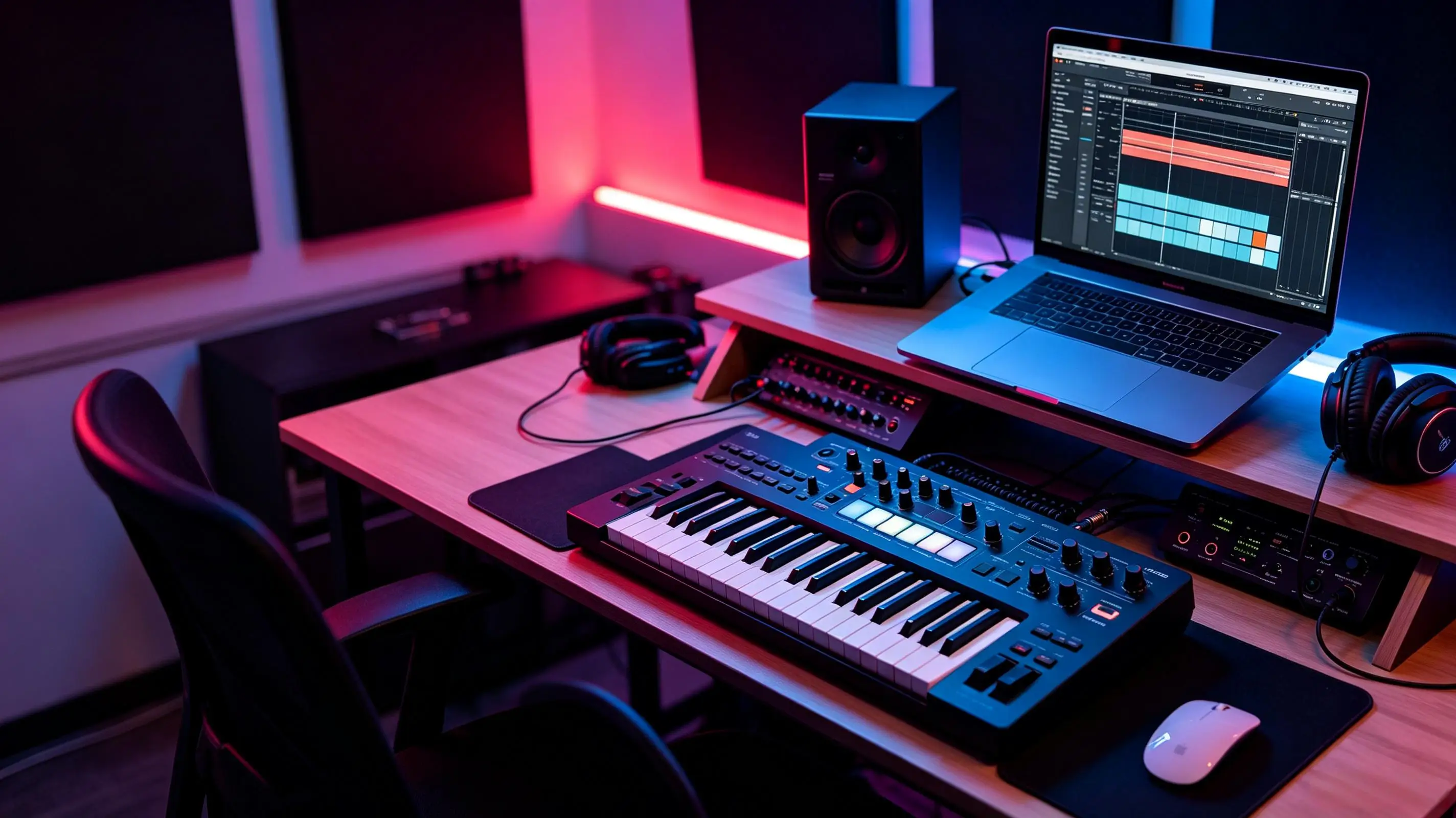
AI EDM generator is a text-to-music tool that creates electronic dance tracks from prompts describing genre, tempo, mood, instruments, vocals, and structure. It connects music creation, content production, monetization, copyright checks, and faster production workflows for creators who need usable audio without starting from a blank session. This article shows how to write better EDM prompts, improve weak outputs, and test ideas in Ailume with a practical track-building process. For a broader overview of electronic styles beyond EDM, see our AI electronic music generator guide.
What Is an AI EDM Generator and How Does It Work?
An AI EDM generator turns a written prompt into electronic dance music by predicting patterns for rhythm, bass, synth tone, harmony, vocals, arrangement, and mix character. Instead of programming every MIDI note or designing every synth patch by hand, you describe the track you want and the system renders an audio result that matches those instructions as closely as it can.
In practice, an electronic dance music generator behaves like a fast sketch partner. You can ask for a 126 BPM deep house loop, a 140 BPM techno build, a vocal dance chorus, or a short electronic background cue for a product video. Text-to-music tools such as Suno, Udio, and Ailume take slightly different approaches to prompting and output, but the prompting principles in this guide apply across them. With Ailume's AI music generator, the prompt can become an instrumental idea you can review, revise, and adapt for your project.
How AI Creates Drums, Bass, Synths, and Vocals
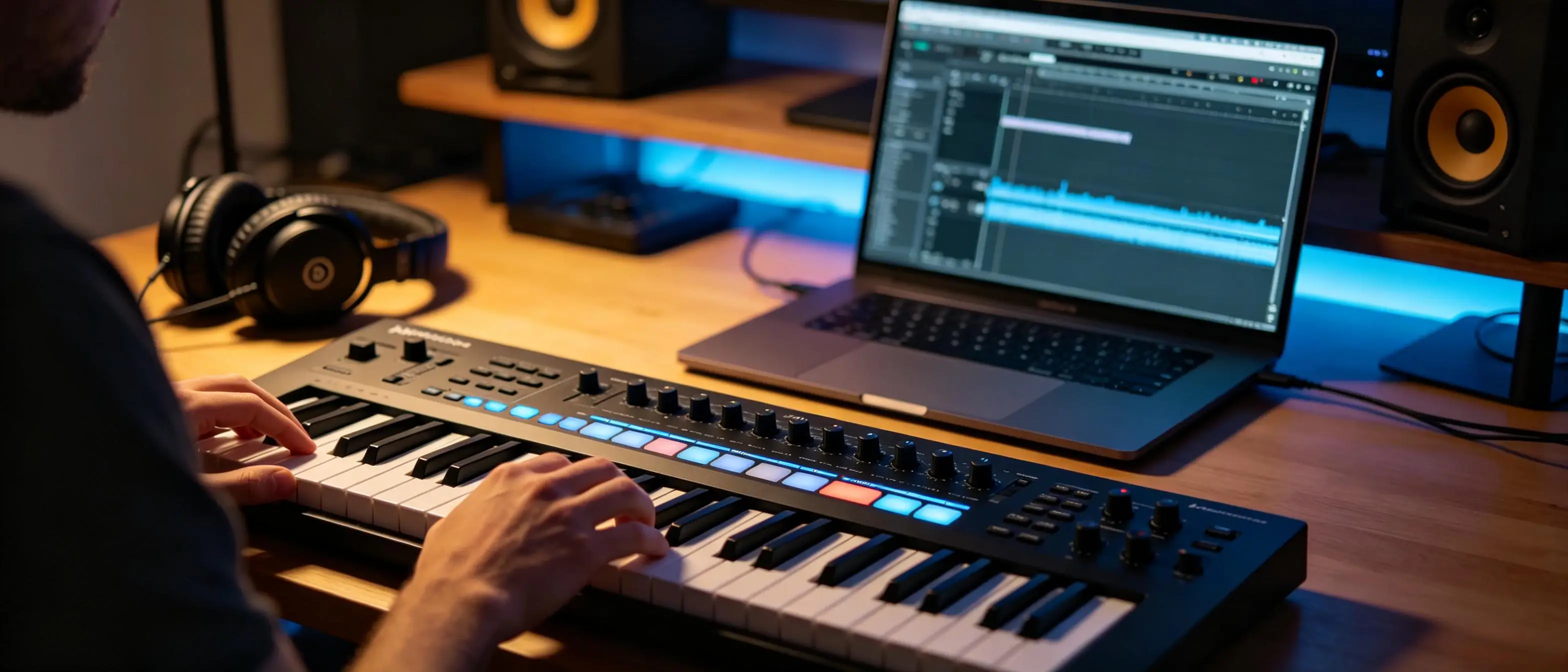
Most EDM prompts affect a few core layers. The drum layer sets the groove: four-on-the-floor kick, offbeat hats, claps, snares, percussion fills, shuffled rhythms, or breakbeat patterns. The bass layer carries the physical weight of the track, so words like rubbery, rolling, sub-heavy, sidechained, clean, or distorted can change the result.
Synth instructions shape the identity of the track. A prompt can request plucky arpeggios, warm pads, supersaw leads, acid lines, metallic stabs, or airy chord washes. Vocal instructions are separate: you can ask for a female pop hook, chopped vocal phrases, a spoken club phrase, or no vocals at all.
What AI EDM Tools Can and Cannot Control
AI music tools can follow broad genre, tempo, mood, instrumentation, and structure directions, but they do not behave like a DAW where every automation point is fixed. You may get variation in drop timing, chord voicing, vocal phrasing, or mix balance between generations. That variation is useful for ideation, but it also means the first take is rarely the final take.
A good workflow treats AI output as material to evaluate. Check the intro, build, drop, breakdown, transition quality, vocal clarity, bass control, and ending. If one part works and another does not, revise the prompt with one clear change instead of rewriting the whole idea.
How Should You Write an AI Electronic Dance Music Prompt?
You should write an AI electronic dance music prompt by naming the subgenre, BPM, mood, rhythm, instruments, and arrangement in plain musical terms. Vague prompts such as make an EDM banger often produce generic results because they do not tell the model what kind of groove, energy curve, or sound palette you need.
The Six-Part EDM Prompt Formula
- Subgenre: house, melodic techno, festival EDM, drum and bass, progressive house, vocal dance.
- BPM: give a number or range, such as 124 BPM for house or 128 BPM for festival EDM.
- Mood: euphoric, dark, sleek, tense, uplifting, late-night, playful, cinematic.
- Rhythm: four-on-the-floor kick, shuffled hats, breakbeat drums, rolling percussion, half-time breakdown.
- Instrumentation: sub bass, piano chords, supersaw lead, acid synth, airy pads, vocal chops.
- Arrangement: intro, build, drop, breakdown, second drop, outro, loopable ending.
How to Specify Energy, Structure, and Production Style
EDM depends on movement. If you want a strong drop, describe what happens before it: filtered drums, risers, snare rolls, a short pause, then a heavier kick and bass return. If you want a DJ-friendly track, ask for a 16-bar intro and outro with drums only, so the track can blend more easily.
Production style matters as much as genre. Clean club mix, tight kick and bass separation, bright but not harsh highs, wide synths, dry lead vocal, or spacious reverb gives the system more useful direction than polished or professional. A reliable pattern is that mix adjectives work best when paired with specific elements, such as clean low end or centered vocal hook.
Prompt Template for a Full EDM Track
Create a [subgenre] EDM track at [BPM] with a [mood] feeling. Use [drum groove], [bass style], [main synths], and [optional vocal direction]. Structure it as [intro length], [build], [drop], [breakdown], [second drop or final chorus], and [outro]. Keep the mix [mix direction], with [specific clarity request] and [energy progression].
For example: Create a melodic techno track at 124 BPM with a dark but emotional feeling. Use a four-on-the-floor kick, rolling percussion, a controlled sub bass, plucked arpeggios, and wide atmospheric pads. Structure it with a 16-bar intro, gradual build, restrained drop, mid-track breakdown, stronger second drop, and DJ-friendly outro. Keep the mix tight, with clear kick-bass separation and no crowded vocals.
Which EDM Style Should You Generate?
You should choose the EDM style that matches the track's real use: house for groove and warmth, techno for momentum, festival EDM for big drops, drum and bass for speed, and vocal dance for hooks. The fastest way to improve an AI EDM generator result is to stop asking for EDM in general and start naming the rhythmic and sonic traits of the subgenre.
House prompts work well when they include four-on-the-floor drums, warm bass, piano or organ chords, and short vocal hooks. Techno prompts should focus on repetition, tension, percussion, texture, and gradual changes rather than chorus-heavy songwriting. Festival EDM prompts need a more dramatic arc: cinematic build, riser, pause, impact, supersaw lead, and a memorable melody.
| EDM Subgenre | Typical BPM | Rhythm and Core Sounds | Energy Profile | Useful Prompt Descriptors |
|---|---|---|---|---|
| House | 120-128 | Four-on-the-floor kick, offbeat hats, warm bass, piano or organ chords | Steady, danceable, social | groovy, soulful, warm, club-ready, vocal hook |
| Techno | 125-145 | Driving kick, hypnotic percussion, minimal harmony, industrial textures | Gradual tension, controlled intensity | dark, repetitive, mechanical, warehouse, evolving |
| Festival EDM | 126-150 | Big kicks, supersaw leads, risers, impact hits, simple melodic hooks | Build-and-drop focused | euphoric, massive, cinematic build, anthem drop |
| Drum and Bass | 160-180 | Fast breakbeats, sub bass, reese bass, chopped vocal textures | High speed, aggressive or liquid | rolling, liquid, neuro, punchy breaks, deep sub |
| Vocal Dance | 118-132 | Dance drums, pop chord progressions, lead vocal, chorus hook | Song-focused with club lift | catchy, emotional, bright, radio-friendly, clear vocals |
A common mistake is mixing incompatible cues in one prompt, such as minimal underground techno with a huge festival chorus and acoustic folk vocals. That can still produce interesting audio, but it usually weakens genre identity. If you want a hybrid, pick one main style and one secondary color, then state which one should dominate.
What Are the Best AI EDM Prompt Examples?
The best AI EDM prompt examples connect a musical goal to measurable details such as BPM, section length, groove, bass style, lead sound, vocal placement, and mix direction. Copying a prompt is useful, but understanding why it works makes it easier to adapt the result for a YouTube intro, DJ set idea, short-form video, or independent release.
Upbeat Festival EDM Drop
Prompt: Create a 128 BPM festival EDM instrumental with an uplifting mood, wide supersaw chords, punchy kick, sidechained bass, bright snare rolls, and a cinematic riser into the drop. Use an 8-bar intro, 16-bar build, one-bar pause before the drop, high-impact main drop with a memorable lead melody, short breakdown, and bigger final drop. Keep the low end tight and the lead synth bright without harsh highs.
This prompt works because it defines the exact job of the build and the drop. The one-bar pause gives the generator a contrast point, while the low-end instruction reduces the chance of a crowded kick and bass.
Driving Melodic Techno Loop
Prompt: Create a loopable 124 BPM melodic techno groove with a dark late-night mood, steady four-on-the-floor kick, rolling percussion, controlled sub bass, plucked minor-key arpeggio, and wide atmospheric pads. Keep the arrangement hypnotic with subtle filter movement every 8 bars, no vocals, no big festival drop, and a clean club mix with focused low end.
This is a better AI techno generator prompt than dark techno track because it avoids chorus language and asks for loop behavior. A DJ or bedroom producer could use it as a starting point for a longer arrangement.
Vocal House Track With a Catchy Hook
Prompt: Create a 124 BPM vocal house track with a warm, hopeful mood. Use a four-on-the-floor groove, offbeat hats, round bassline, bright piano chords, short string pads, and a confident female lead vocal. The lyric theme is starting over after a long night. Put a simple two-line hook in the chorus, keep the verse sparse, and make the chorus more open with layered backing vocals.
For custom vocal ideas, draft the hook first with Ailume's AI lyrics generator, then paste the strongest lines into the music prompt. This gives the vocal generator a clearer target and helps avoid filler phrases.
Royalty-Safe Electronic Background Music
Prompt: Create a 90-second electronic background music track for a tech tutorial video, 115 BPM, clean and focused, with soft pulsing synths, light percussion, warm bass, no lead vocal, no sudden drop, and smooth 15-second sections that support narration. Keep the mix balanced, avoid distracting melodies, and end with a clean fade.
For creators making video, podcast, game, or branded media cues, Ailume's AI background music tool is a better fit than a full vocal song workflow. A YouTuber editing a 6-minute software review, for example, might generate three 90-second electronic beds, trim the best sections, and keep the narration clear above the track.
How Do You Improve an AI-Generated EDM Track?
You improve an AI-generated EDM track by diagnosing one musical problem at a time, then revising the prompt with a specific fix. Most weak outputs fall into a few patterns: the drop lacks contrast, the loop repeats too much, the bass masks the kick, the vocal is unclear, or the energy jumps without a believable build.
Strengthen the Build and Drop
- Ask for rising percussion, snare rolls, filtered synths, noise risers, and an impact hit.
- Add a short silence or stripped-down bar before the drop for contrast.
- Tell the generator what changes after the drop: heavier kick, wider lead, stronger bass, or chopped vocal hook.
Create Better Arrangement and Energy Progression
Arrangement prompts should use section language. Try: 16-bar intro, 16-bar build, 32-bar drop, 8-bar breakdown, second build, final drop, and 16-bar outro. If the result feels like a loop, add instructions such as introduce a new percussion element every 8 bars or avoid repeating the same lead phrase for more than 16 bars.
Improve Bass, Drums, and Mix Clarity
| Problem | Prompt Change | Production Action |
|---|---|---|
| Weak drop | Add riser, pre-drop pause, heavier kick, wider lead | Compare drop level and impact against the build |
| Repetitive loop | Request new elements every 8 or 16 bars | Trim or duplicate only the strongest sections |
| Muddy bass | Ask for tight kick-bass separation and controlled sub | Use EQ or choose a cleaner generation |
| Harsh highs | Request bright but smooth highs and softer cymbals | Lower top-end level during editing |
| Unclear vocals | Ask for centered, dry, intelligible lead vocal | Reduce synth density during vocal sections |
| Inconsistent energy | Define intro, build, drop, breakdown, final section | Map the waveform and remove confusing jumps |
Iterate With One Change at a Time
Change only one major instruction between generations. If the first track has a strong groove but weak drop, keep the groove language and revise the build-drop instruction only. A common pattern is that creators rewrite too much, lose the part they liked, and cannot tell which phrase improved or damaged the result.
What Is the Fastest AI EDM Creation Workflow?
The fastest AI EDM creation workflow is to define the use case, write one focused prompt, generate a first version, review the arrangement, revise with one change, then export for the final platform. This keeps the process quick while still giving you enough control over genre, structure, vocals, and mix clarity.
The right export depends on the destination. For a DJ set or club anthem, aim for a clean master with controlled loudness (streaming targets around -14 LUFS, club playback runs louder); if you plan a remix or want deeper edits, export stems where the tool allows it so you can rebalance drums, bass, and vocals in a DAW. A short-form social clip needs the hook early, while a longer YouTube upload can use a fuller build and drop.
1. Define the Use Case and Track Length
Start with the destination. A TikTok edit may need 15-30 seconds with an immediate hook. A podcast bed may need 60-120 seconds without sharp changes. A DJ idea may need a loopable 16- or 32-bar groove. A full vocal dance song may need a verse, build, chorus or drop, breakdown, and final chorus.
2. Draft and Generate the First Prompt
Combine genre, BPM, mood, instruments, structure, vocal choice, and mix direction in one paragraph. If you want a full song with vocals, lyrics, and arrangement details, you can generate an AI EDM track with Ailume and compare multiple takes before committing to edits.
3. Review the Arrangement and Revise the Prompt
- Does the intro reach the main idea quickly enough?
- Does the build create tension before the drop?
- Does the drop sound bigger than the section before it?
- Are the kick, bass, and vocal clear?
- Is there enough variation for the target length?
- Does the ending fit the publishing format?
4. Export and Prepare the Track for Its Final Use
Before publishing, check the file format your editor or distributor needs. WAV is better for further editing, while MP3 is smaller for quick review and lightweight content workflows. Trim silence, check loudness against your other audio, add metadata where needed, and keep a record of the prompt, generation date, account tier, and license terms.
For more advanced production, Ailume's AI Music Producer with the FUZZ model can help turn a generated idea into a more finished production workflow with multitrack thinking, mixing, and mastering decisions. That matters when the track moves from content audio into a release or client deliverable.
Copyright, Licensing, and Commercial Use: What Should You Check?
This section is general information, not legal advice. You should check the platform's license terms, your account rights, the prompt content, the output's originality, and the rules of your publishing platform before using AI-generated EDM commercially. AI music is not automatically royalty-free, copyright-free, or cleared for advertising simply because it was generated from text.
The legal context is still developing. According to the US Copyright Office's guidance on copyright and artificial intelligence, including its Part 2 report on copyrightability published in January 2025, copyright protection depends on human authorship and the level of human creative control. That does not stop creators from using AI music, but it does mean you should keep records and avoid assuming ownership rules are identical across tools. For a deeper breakdown, see our AI music copyright guide.
Does AI-Generated EDM Have Commercial Rights?
Commercial rights depend on the platform's current terms, the account tier used, the generation method, and the distribution plan. A private demo, monetized YouTube video, client ad, and streaming release can carry different risk levels. Check the terms at the time you publish, not only when you generated the audio.
YouTube Content ID and AI Disclosure
YouTube monetization has two separate hurdles that many creators miss. First, to register a track in Content ID you generally need exclusive rights to the recording, so a track made from a non-exclusive AI license, or a fully AI-generated audio-only track that other users could also produce, may not qualify; adding your own lyrics, recorded parts, or substantial human arrangement strengthens any ownership claim. Second, YouTube's altered or synthetic content disclosure rules ask you to label content that could make viewers think a real person or recording is involved when it is not. Treat both as things to verify in your account before you rely on AI EDM for monetization, because platform policy changes over time.
Copyright Risks in Prompts and Outputs
Avoid prompts that ask for imitation of a living artist, label-owned sound, recognizable melody, or copyrighted lyric. Do not add unverified third-party samples unless you have a license. If the generated track accidentally resembles an existing song, do not publish it as-is; revise the prompt, regenerate, or change the arrangement.
| Publishing Scenario | Typical Risk Level | What to Verify Before Use |
|---|---|---|
| Personal experiments | Low | Basic platform use rules and storage rights |
| YouTube videos | Medium | Commercial use, monetization rights, Content ID risk |
| Social ads | Medium to high | Ad usage rights, brand safety, territory and duration limits |
| Client projects | High | Transferable rights, written approval, project documentation |
| Streaming releases | High | Distributor policy, royalty collection, authorship records |
| Monetized content library | High | License scope, reuse rights, attribution, exclusivity limits |
Pre-Publishing Licensing Checklist
- Save the prompt, generation date, tool name, and account tier.
- Confirm the platform allows your intended commercial use.
- Check whether attribution is required.
- Avoid artist-name imitation and copyrighted lyrics.
- Review the output for recognizable melodies or samples.
- Keep written records for client work and paid campaigns.
AI EDM Generator FAQ
The following questions cover the practical decisions most creators face before using an AI EDM generator for house, techno, background music, vocal dance tracks, or monetized content.
What is the best AI EDM generator for beginners?
The best AI EDM generator for beginners is one that accepts plain-language prompts, gives useful genre control, supports both instrumental and vocal choices, and explains usage rights clearly. Ailume is a good fit for testing because it offers free tools for song generation, instrumental music, lyrics, and background music, so you can match the workflow to the track type instead of forcing every idea into one format.
Can an AI EDM generator make house and techno music?
Yes, an AI EDM generator can make house and techno music when the prompt includes subgenre-specific details. For house, include 120-128 BPM, four-on-the-floor drums, warm bass, piano chords, and vocal hooks. For techno, include driving percussion, minimal harmony, dark textures, repetition, and gradual tension. The more accurately you describe the rhythm and arrangement, the closer the output usually gets.
How do I make AI-generated EDM sound less generic?
Make AI-generated EDM sound less generic by adding concrete choices: BPM, drum groove, bass tone, lead synth type, section lengths, vocal role, and mix direction. Replace broad words like energetic with instructions such as 16-bar filtered build, one-bar pause, then a heavier drop with chopped vocal stabs. Keep the strongest part of each generation and revise one weak area at a time.
Can AI generate EDM tracks with vocals and custom lyrics?
AI can generate EDM tracks with vocals and custom lyrics if the tool supports vocal song generation. Give the system a vocal tone, lyric theme, hook placement, language, and chorus structure. For better results, write or generate the lyric first, then include only the strongest lines in the music prompt. This is especially useful for vocal house, dance-pop, and festival EDM with a singable chorus.
Can I use AI-generated EDM in YouTube videos and ads?
You may be able to use AI-generated EDM in YouTube videos and ads, but you need to verify the platform's current commercial-use terms. Monetized YouTube videos, paid social campaigns, client ads, and brand content can require different permissions. Keep generation records and avoid prompts that imitate known artists, use copyrighted lyrics, or rely on unlicensed samples.
How long does it take to create an AI EDM track?
An initial AI EDM idea can often be generated in under a few minutes, but a usable track usually takes longer because selection and revision matter. Plan time for writing the prompt, generating several takes, comparing arrangements, fixing the drop or mix direction, trimming the export, and checking rights. For a short background cue, this can be fast; a release-ready vocal track needs more review.
What should I include in an AI music prompt?
An AI music prompt should include subgenre, BPM, mood, rhythm, instruments, vocal choice, arrangement, and mix direction. For EDM, also describe the build, drop, bass behavior, synth tone, and section lengths. A strong prompt might say: 124 BPM melodic house, warm piano chords, round bass, female vocal hook, 16-bar build, clean drop, tight kick-bass separation, and smooth outro.
About the Author
This article was written by Ailume Music Lab for the Ailume Team. Ailume Music Lab tests AI song generation, instrumental generation, lyric workflows, background music use cases, and AI production methods for creators who need practical audio output.
Last updated: August 2026.